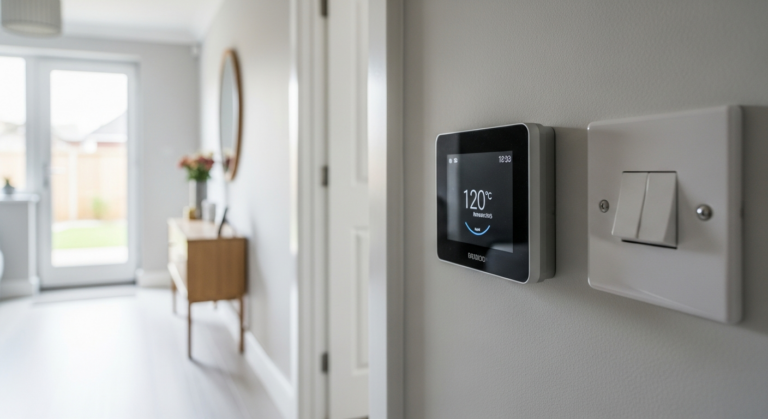
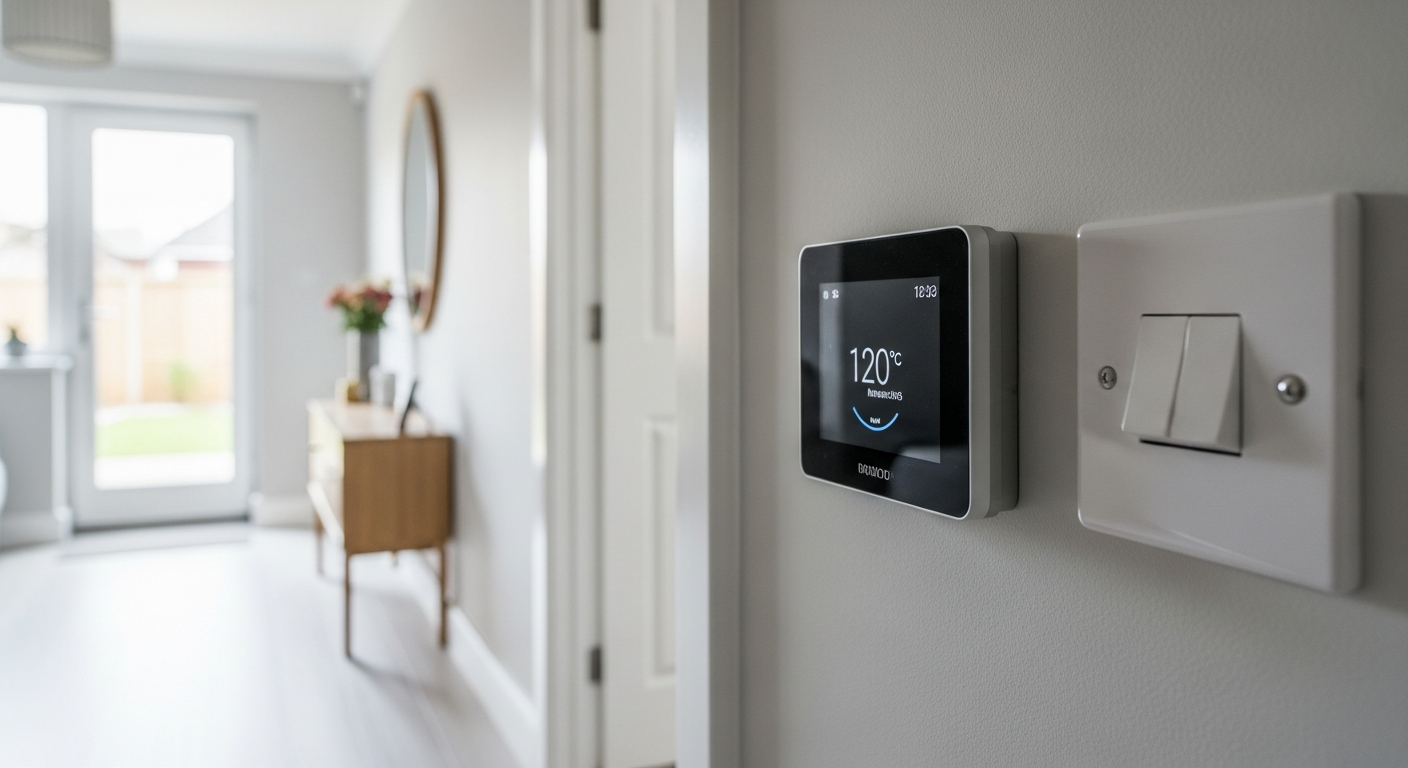
How to Install a Smart Thermostat – DIY Guide
How to Install a Smart Thermostat
Cut heating bills and control your boiler from anywhere in under two hours.
Install a smart thermostat by turning off the boiler, removing the old thermostat, photographing the existing wiring, connecting the wires to the new backplate terminals, mounting it, and pairing it to your app. Most systems take 1–2 hours and require no special tools.
- Screwdriver (flathead and cross-head)
- Voltage tester
- Pencil
- Spirit level
- Power drill with masonry bit
- Wall plugs and screws
- Smartphone or tablet
- Smart thermostat unit
- Thermostat backplate
- Wall plugs (if fixing to masonry)
- Cable clips (if rerouting wiring)
- Electrical insulating tape
- AAA or AA batteries (if wireless receiver required)
Step-by-Step Guide
Turn Off Power and Check Your System Compatibility
Switch off your boiler at the fuse spur or consumer unit before touching any wiring — use a voltage tester to confirm the circuit is dead. Check that your boiler is compatible with your chosen smart thermostat: most UK combi boilers use a simple two-wire switching circuit, but system boilers with a hot water cylinder may need a thermostat that supports multiple zones or a separate wireless receiver. Consult the manufacturer’s wiring guide and, if your boiler uses OpenTherm or a proprietary protocol, confirm the thermostat supports it. If you are at all unsure about your wiring setup, consult a Gas Safe registered engineer or a Part P-compliant electrician — low-voltage thermostat wiring in England, Wales, and Northern Ireland falls within Building Regulations Part P when connected to mains-voltage controls. The Smart Home Guide has further advice on planning heating upgrades safely.
Remove the Existing Thermostat and Photograph the Wiring
Unscrew the old thermostat from the wall and ease it away from the backplate. Before disconnecting a single wire, take a clear photograph of every terminal and its cable label — this is your wiring map if anything goes wrong. Standard UK heating thermostats typically use two terminals (often labelled 1 and 2, or COM and NO) carrying a 240 V switching signal; some older systems have additional terminals for live, neutral, or earth. Note the cable colour and terminal position for each wire, then loosen the terminal screws and release the cables. Do not let bare ends touch each other or the wall — tape them off individually while you work.
Mount the New Backplate and Route the Wiring
Hold the new backplate against the wall at the same position as the old thermostat — ideally 1.5 m above floor level on an internal wall, away from draughts, direct sunlight, and heat sources, as these will cause inaccurate temperature readings. Mark the fixing holes with a pencil, then drill and plug the wall if needed. Feed the cables through the backplate cable entry point and screw the backplate flat to the wall using a spirit level to ensure it sits straight. If the new backplate is larger than the old one and exposes bare plaster or a paint shadow, make good the wall before fixing.
Connect the Wiring to the New Terminals
Using your photograph as reference, connect each cable to the corresponding terminal on the new backplate as specified in the manufacturer’s wiring diagram — terminal labels vary by model but the wiring principle is the same. Tighten each terminal screw firmly so there is no movement in the cable, and tuck any excess cable neatly into the wall cavity. If the thermostat uses a separate wireless receiver that wires into the boiler, that receiver installation must be done by a competent person: a Gas Safe engineer should handle any work inside the boiler casing, and a Part P-registered electrician should connect any new mains-voltage wiring. The NICEIC (niceic.com) operates a contractor finder if you need a registered electrician.
Attach the Thermostat Head and Restore Power
Clip or screw the thermostat head onto the backplate as directed — most units simply press and click into place. Restore power at the consumer unit or fuse spur and check that the thermostat display illuminates. If the unit is battery-powered, insert fresh batteries before mounting. Refer to your boiler manual to confirm it is calling for heat correctly: set the thermostat to a temperature above the current room temperature and listen for the boiler to fire within 30–60 seconds. If it does not fire, switch off power immediately and recheck the terminal connections against your wiring photograph.
Pair the Thermostat to the App and Configure Schedules
Download the manufacturer’s app on your smartphone and follow the in-app setup wizard to connect the thermostat to your home Wi-Fi network. Most units use a 2.4 GHz Wi-Fi band — if your router broadcasts both 2.4 GHz and 5 GHz under the same name, you may need to separate them temporarily during setup. Once paired, set your heating schedule to match your household routine: most people find that pre-heating 30 minutes before waking and dropping back to a setback temperature during working hours delivers the biggest energy savings. The Energy Saving Trust via gov.uk publishes guidance on optimising heating controls to reduce energy use.
Frequently Asked Questions
Do I need an electrician to install a smart thermostat?
For a like-for-like swap on an existing low-voltage thermostat circuit, most competent DIYers can do this safely. However, if new mains-voltage wiring is required — for example, adding a wireless receiver that needs a permanent live supply — that work must be done by a Part P-registered electrician under Building Regulations. When in doubt, consult an NICEIC-registered contractor.
Will a smart thermostat work with my combi boiler?
The vast majority of modern combi boilers are compatible with a two-wire smart thermostat. Some newer boilers use the OpenTherm communication protocol, which allows more advanced modulation — check your boiler manual and the thermostat’s compatibility checker before buying. Our Smart Thermostat Buying Guide covers compatibility in detail.
Can I install a smart thermostat without a neutral wire?
Many UK smart thermostats are designed to work on a two-wire system without a neutral wire, drawing a small trickle of power through the boiler circuit to keep themselves powered. Check the thermostat’s specifications — units that require a neutral wire will not function correctly if one is not present.
How much can a smart thermostat save on energy bills?
The Energy Saving Trust estimates that installing a programmer and room thermostat on an uncontrolled system can save around £75–£150 per year, depending on your property size and usage habits. Actual savings depend heavily on how you programme the thermostat and your existing controls. See the Smart Home Guide for more ways to reduce energy use at home.
My boiler is not firing after fitting the new thermostat — what should I check?
First, switch off the power and recheck every terminal connection against your wiring photograph. Confirm the thermostat is set above the current room temperature to trigger a heat call, and that any wireless receiver is correctly paired. If the boiler still does not fire, consult a Gas Safe registered engineer — do not attempt to open or adjust the boiler yourself.
Before removing the old thermostat, hold a torch at a low angle across the wall and mark any cable runs with masking tape — cables often run horizontally to a nearby socket or vertically to the floor, and knowing the route prevents accidental drilling through a wire when fixing the new backplate. If the new backplate is significantly larger, fitting a painted decorator’s pattress behind it hides the shadow left by the old unit without any replastering.
Sources
- Energy Saving Trust — Heating controls — energysavingtrust.org.uk
- HSE — Electrical safety at home (low voltage systems) — hse.gov.uk
- NICEIC — Find a registered electrician — niceic.com
Safety Notice: Electrical and plumbing work can be dangerous if done incorrectly. In the UK, certain electrical work must comply with Part P of the Building Regulations and certain plumbing work with Part G. If in doubt, consult a qualified electrician (NICEIC/NAPIT registered) or plumber (CIPHE/WaterSafe registered). This guide is for general information only — it is not a substitute for professional advice.