Smart Thermostat Buying Guide
Smart Thermostat Buying Guide
Choose the right smart thermostat for your heating system and start saving money.
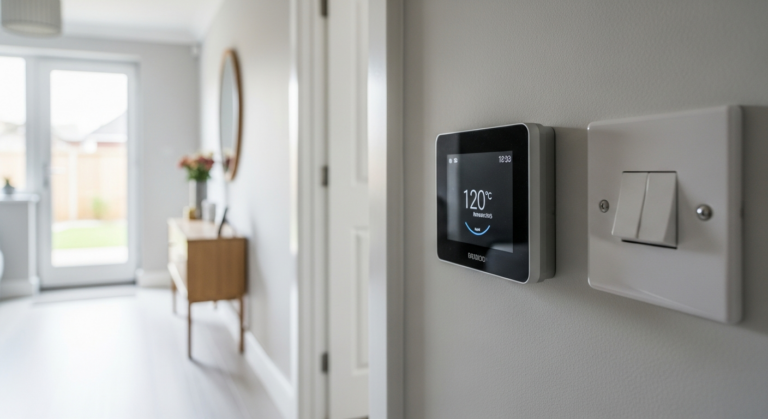
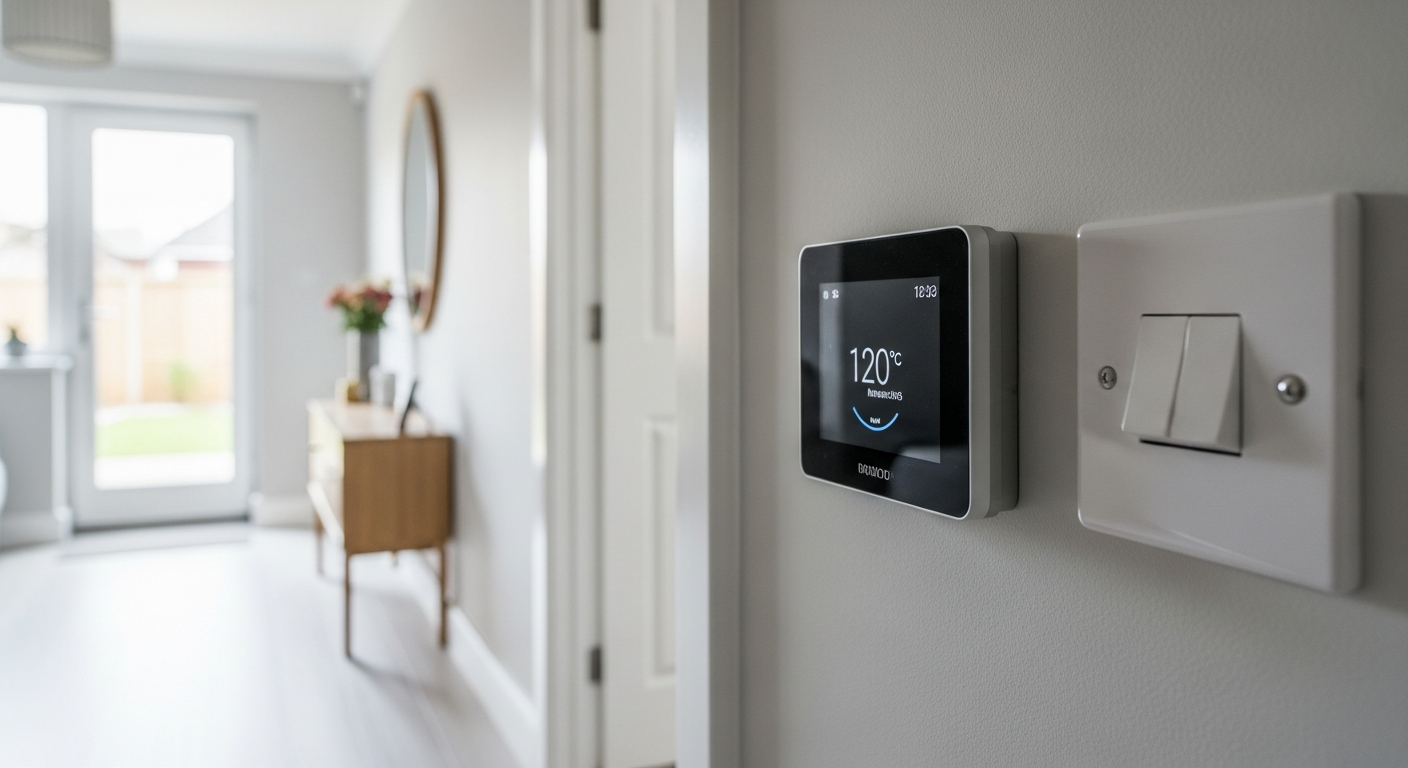
A smart thermostat buying guide helps you match the right device to your boiler type, heating controls, and home setup. Key factors are compatibility with your system, whether you need multi-zone control, and app functionality. Most homes can fit a smart thermostat without an electrician.

- Flat-head screwdriver
- Cross-head screwdriver
- Spirit level
- Pencil
- Drill
- Wall plug bit
- Voltage tester
- Smart thermostat unit
- Receiver unit (if wireless)
- Wall plugs and screws
- Wiring labels or masking tape
- AA or AAA batteries (if required)
- Cable clips (if re-routing wires)
Step-by-Step Guide
Check Your Heating System Type
Before you buy anything, identify what heating system you have — combi boiler, system boiler with a hot water cylinder, or a heat pump. Most smart thermostats are designed for standard gas or oil combi boilers; if you have a heat pump or underfloor heating, you need a device specifically rated for low-temperature systems. Check your boiler manual or look at the model plate on the unit itself. Our Smart Home Guide covers how smart heating fits into a wider connected home setup.
Confirm Wiring Compatibility
Locate your existing room thermostat or programmer and count the wires connected to it — most UK homes have a simple 2-wire or 3-wire setup, which is compatible with the majority of smart thermostats on the market. If you have a wired system with more than four terminals, take a photo of the wiring before touching anything and cross-reference it with the thermostat manufacturer’s wiring guide. Never assume compatibility; always verify. If you are at all unsure about the wiring, consult a Part P-registered electrician — smart thermostat wiring is low-voltage but still connects to mains-fed heating controls. The NICEIC register at niceic.com can help you find a registered installer.
Decide Between Wired and Wireless
Wireless smart thermostats use a receiver unit that sits near the boiler and communicates with the thermostat display via radio frequency — no need to run new cables. Wired models connect directly to your existing thermostat wiring and are more reliable in signal terms but require the thermostat to be positioned near existing wiring. If your boiler is in a location where running cable to the living room is impractical, a wireless system is almost always the better choice. For most UK homes, wireless is the simpler install.
Compare Key Features Before Buying
Prioritise these features in order: (1) Verified compatibility with your boiler — check the manufacturer’s compatibility checker online; (2) App quality — look for a well-reviewed, actively maintained app with scheduling, away mode, and energy reporting; (3) Multi-zone support if you want individual room control, which requires additional thermostatic radiator valves or a multi-zone receiver; (4) Voice assistant integration if you use a smart speaker; (5) Whether the device needs a common (C) wire or can run on batteries. Which? publishes independent reviews of smart thermostats at which.co.uk that are worth reading before committing to a purchase.
Plan Your Install Before It Arrives
Once you have ordered, plan the install before the device arrives. Mark out where the thermostat will sit — ideally on an internal wall, away from draughts, direct sunlight, and heat sources, at around 1.5 m height. If you are fitting a wireless model, check the receiver location near the boiler has a power supply or suitable wiring. Read the install guide that comes in the box thoroughly; most smart thermostat manufacturers provide step-by-step wiring diagrams tailored to your boiler type. If your install requires any changes to the boiler’s wiring beyond the thermostat terminals, you must use a Gas Safe-registered engineer — check the register at gassaferegister.co.uk. You may also want to read our guide on how to install a smart thermostat once your device arrives.
Set Up and Optimise After Fitting
After physical installation, download the manufacturer’s app and follow the setup wizard — this typically involves connecting to your home WiFi, creating a heating schedule, and enabling any geo-location features for automatic away mode. Spend time building an accurate heating schedule based on your actual routine; the energy savings from a smart thermostat come from correctly programmed schedules, not from the device alone. Most apps provide energy usage reports — review these monthly for the first three months to fine-tune your settings. The Energy Saving Trust at energysavingtrust.org.uk publishes guidance on optimising heating controls to reduce bills.
Frequently Asked Questions
Do I need an electrician to fit a smart thermostat?
Most smart thermostats are low-voltage devices that a competent DIYer can fit without an electrician. However, if the installation requires any alteration to mains wiring — for example, adding a fused spur to power a receiver unit — that work falls under Part P of the Building Regulations and must be carried out by a registered electrician. Check the NICEIC register at niceic.com if you need a qualified installer.
Will a smart thermostat work with my combi boiler?
The vast majority of smart thermostats are compatible with standard gas combi boilers — but always use the manufacturer’s online compatibility checker before purchasing, as older boilers with proprietary controls can be exceptions. Our smart thermostat install guide covers the wiring steps for combi boiler setups.
How much can a smart thermostat actually save on energy bills?
The Energy Saving Trust advises that heating controls, including programmable thermostats, can help reduce heating bills when used correctly — but savings depend heavily on your current setup and how well you programme the schedule. A home with no existing thermostat will see the largest gains; a home already using a programmer will see more modest improvement.
What is the difference between a smart thermostat and a smart TRV?
A smart thermostat controls your boiler and sets the overall heating demand for the home, while smart thermostatic radiator valves (TRVs) control the temperature in individual rooms independently. For true multi-room control, you need both — the thermostat manages the boiler, and the smart TRVs manage each room. Our Smart Home Guide explains how these devices work together.
Does a smart thermostat need a common (C) wire?
Some smart thermostats require a C wire to draw continuous power — without it, they rely on batteries or use a power-stealing technique that can cause compatibility issues with certain boilers. Check the wiring requirements in the product specification before buying; if your existing thermostat wiring does not include a C wire and the model needs one, a wireless receiver-based model is a simpler solution. You can also read our guide to improving home WiFi to ensure your smart devices have a reliable connection throughout the property.
Before fitting, label every wire on your existing thermostat with masking tape and a marker — photograph the terminals too. Wiring diagrams in smart thermostat manuals assume standard UK conventions, but older installations sometimes deviate, and a labelled reference takes thirty seconds to make and can save an hour of fault-finding.
Sources
- Which? — Smart thermostats reviewed and compared — which.co.uk
- Energy Saving Trust — Heating controls and thermostats — energysavingtrust.org.uk
- NICEIC — Find a registered electrician — niceic.com
Safety Notice: Electrical and plumbing work can be dangerous if done incorrectly. In the UK, certain electrical work must comply with Part P of the Building Regulations and certain plumbing work with Part G. If in doubt, consult a qualified electrician (NICEIC/NAPIT registered) or plumber (CIPHE/WaterSafe registered). This guide is for general information only — it is not a substitute for professional advice.